Home > Applications > Retail
Dynamic Digital Signage Influences Purchase Decisions
Retailers know that the best place to connect with their customers is in the store, where most purchase decisions are made.
On-Site or Point-of-Purchase Marketing is the most effective of all promotions strategies. It impacts customer behavior where it counts the most and has the highest ROI.
Point-of-Purchase Signage Marketing is the Future
Point-of-Purchase Messaging and communication platforms enable you to deliver targeted messages to customers at key points during their visit to your store. Ranging from a simple slide-show of products and services to a comprehensively choreographed, targetted, video showcase of products.
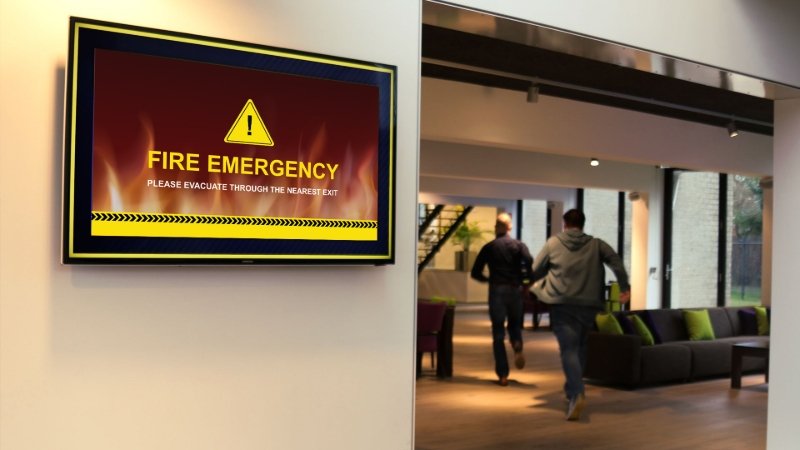
Retail Stores, Supermarkets and shopping malls are already leveraging the the promise of advanced in-store communication tools like dynamic digital signage - Large, flat panel, LCD and plasma screens are everywhere and they work!
Signage Systems in Malls, Retail stores, Supermarkets:
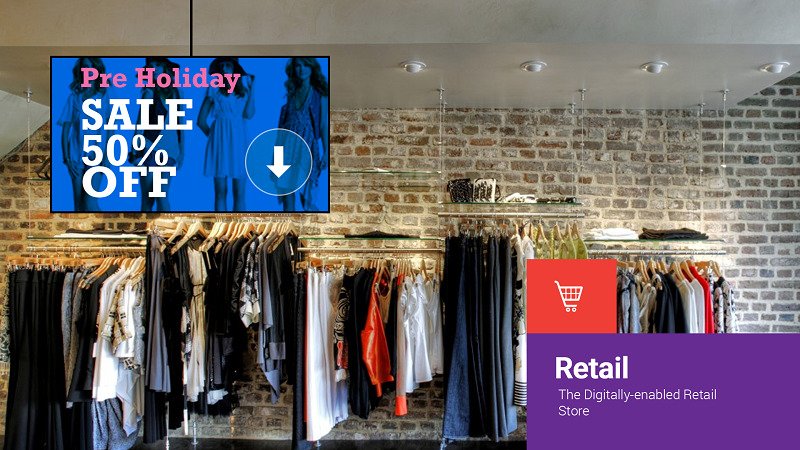
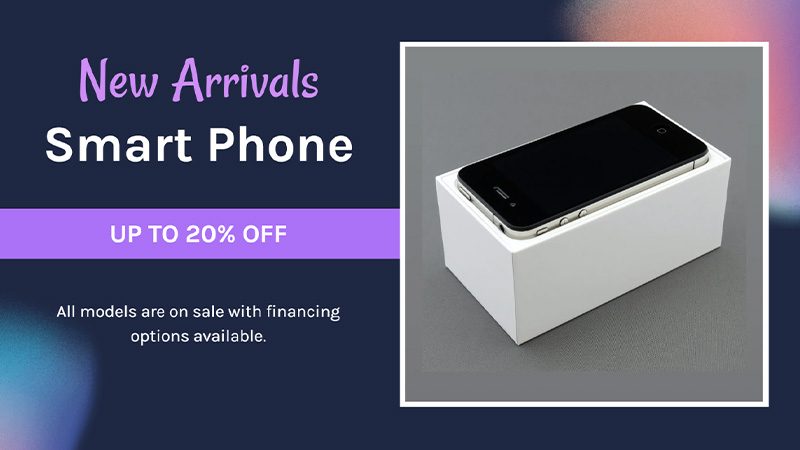
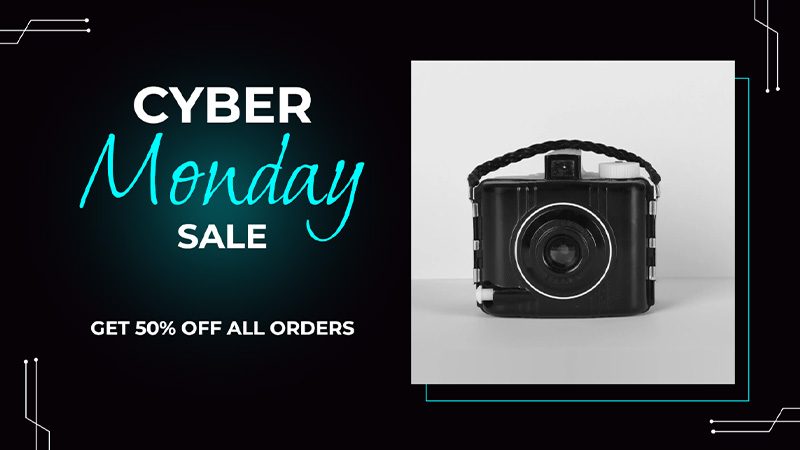
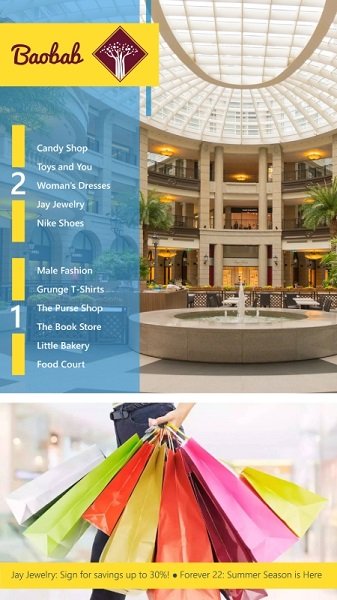
- Promote new products, special offers, and sales using in-store screens
- Showcase product demonstrations and testimonials
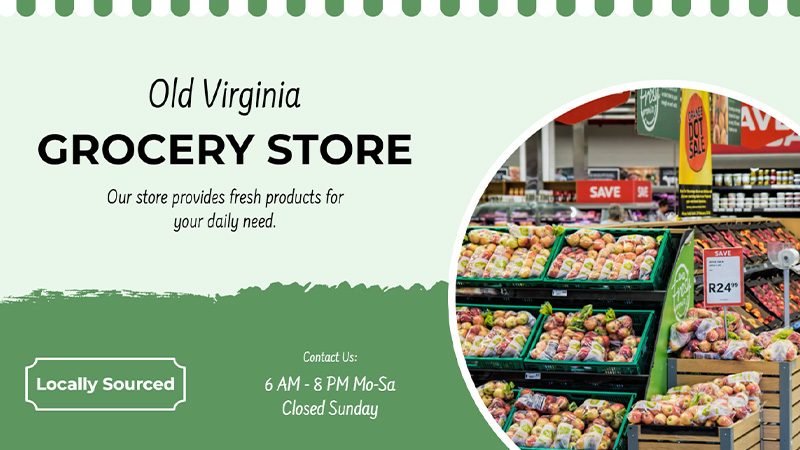
- Educate and Inform customers about loyalty programs (ideal for supermarkets and grocers)
- Invite Shoppers to sign up for Store Credit Cards
- Deliver ads from suppliers or third-party advertisers on digital retail signage
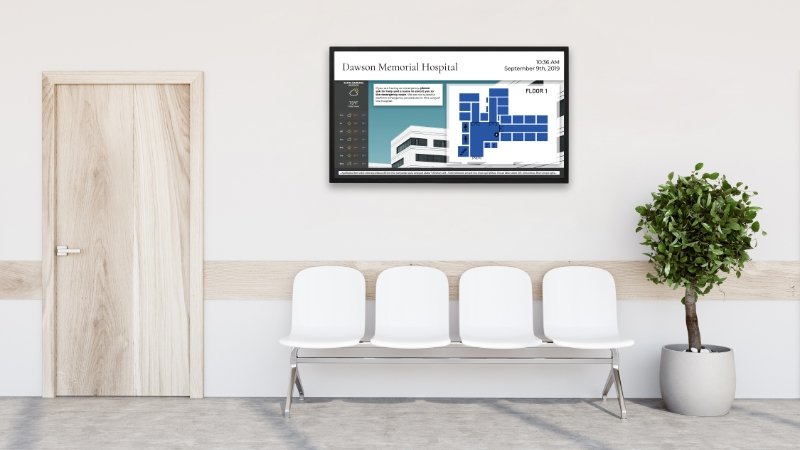
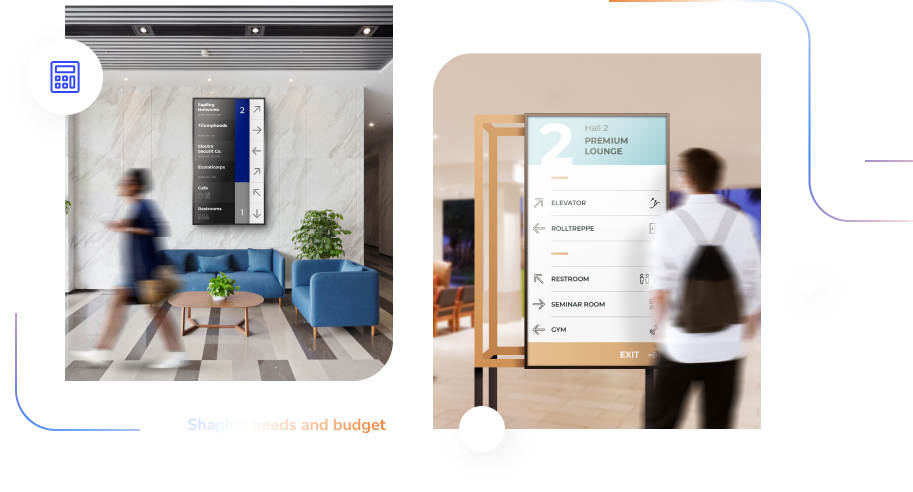
- Show maps or directions of your store or mall near the entrance or lobby area
- Increase foot-traffic by installing store window displays(ideal for convenience stores)
- Broadcast training videos, safety tips, and messages from management
Digital Showcases have significantly positive ROI
Digital Signage displays are never obsolete. A Simple redesign of the video content or image files refreshes the display. Easy to update. Easy to configure and Easy to maintain, LCD-based signage systems have low update (content modification) cost - as it eliminates any waste, printing, new banners etc. Such signage systems provide an all-encompassing, dynamic platform to showcase products in a vareity of media formats.
Wayfinding and Product Info Stations increases Satisfaction
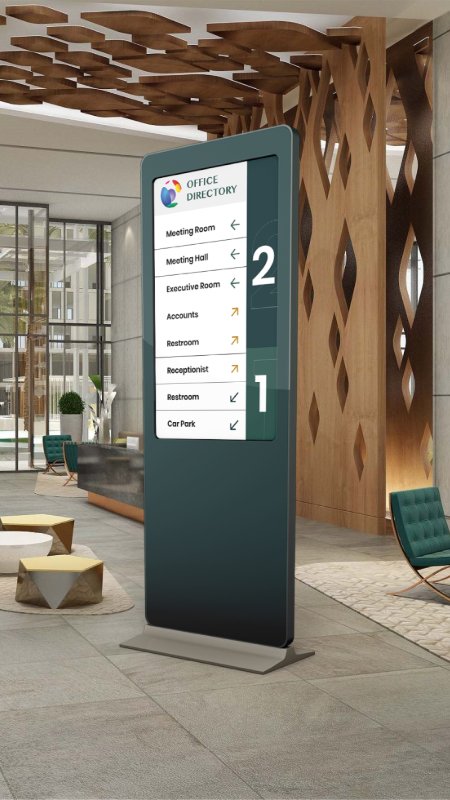
Dynamic signage kiosks help customers find their way around the store and locate products. Similarly, allowing customers to acquire product and pricing info. by letting them scan a product and view pricing info, while also delivering up-sell and cross-sell information, product reviews, etc. increases customer satisfaction.
Mvix Digital Signage Platform does it all
Scalability, high definition content, efficiency, remote monitoring and management, extended reach, Proof-of-Performance, minimal downtime and even failsafe operation are just a few of the requirement of today's digital signage installations. Finally, there's a solution that does it all: Mvix Digital Signage System. Powerful and flexible, it can be deployed in a host of diverse environments including retail, transportation, entertainment, hospitality, healthcare and education.
Low Cost Solution
Mvix systems are developed with one primary focus: Low Cost. This focus is reflected in the platform by:
- Using inexpensive displays like your existing LCD screen.
- No Legacy Setups or Expensive Networking Equipment.
- Easy to Use Software for Managing Content.
- Ease in handling so no training needed.
- Complete Turnkey Solution - "Digital Signage in a Box" Bundle.
End-to-end reliable Proof-of-Performance
"Are the screens ON?" For many digital signage operators, that's the question that keeps them awake at night. One answer is to go and look at the screens in question. A better answer is Mvix player's unique Monitoring Engine embedded in the Content Management System which constantly supervises content playback and sends alog of each activity to the administrator. The result? Better performance and maximum uptime.
Remote Display Management
Just as it's impracticable to visually check the content on the screens, it's equally impracticable to go to each screen to switch it on or off, or to adjust volume or brightness for example. Mvix signage system is equipped to be remotely controlled for optimum results in each location.
Content where you want it, how you want it
Mvix Digital Signage platforms are scalable from one to many screens, allowing for growth while maximizing affordability. Mvix utilizes the latest HD-media technology such that the content playback always looks its best - even on screens up to 40ft away.
Mvix Digital Signage Systems includes numerous features that make it easy, quick and inexpensive to install, integrate and maintain - from its support of IP/Ethernet-based management that makes it simple to be operated over an existing network - keeping infrastructure costs to a minimum - to support of solid state storage for maximum reliability and fail-safe operation.
Easy, Intuitive Content Management = Mvix Signage System.
Absolutely NO servers to install, manage or troubleshoot. Manage your Content from any PC, or a standard browser connected to the internet.
Versatile Platforms, Flexible Pricing, No Contracts
Mvix offers a mix of signage systems that meet the needs of all businesses. The pricing & feature structure allows clients to select what fits with their application.
A Three Cable Installation
The installation of an mvix system is accomplished via three connections:
- Power
- Network Cable
- Video (HDMI / Component or D-Sub-VGA)
Simply connect the Mvix signage player and you are live!

Install the Administration Software on a PC, OR
Login to your online portal to manage the media playback and schedule content
What Mvix System is recommended for digital product showcases and video displays?
Mvix Ceeno is the most suitable system for digital product showcases and video displays. Its extremely low cost and network capability makes it an ideal solution for the showroom, retail and convenience store market. It comes with free software to manage content and has an easy to use "Independent Mode" operation which allows you to update content simply by a USB drive.
Is Mvix Ceeno the least expensive option for Digital signage network?
Mvix Ceeno is the least expensive option in the market for its functionality. Our focus on "low cost of implementation" is achieved by:
- Using inexpensive displays like your existing LCD screen.
- ZERO subscription fee. No Licensing fee for Content Management Software
- No Legacy Setups or Expensive Networking Equipment
- Easy to Use, FREE Software for Managing Content.
- Ease in handling so no training needed.
- Complete Turnkey Solution - "Digital Signage in a Box" Bundle.
Do I need a computer to update content on my large screen TVs?
No, all you need is a USB flash drive with your media (jpeg or video files). Mvix Ceeno can work in independent mode. Simply put the media content on a USB drive (in a folder "/SYNC") and insert it in Mvix Ceeno. All media will be automatically copied to the device and it will start playback with new media automatically.
Can the Signage System be setup to Auto-start, Auto-boot and Auto-Play at a Specific Time?
Absolutely! Mvix Signage players can be configured to power-on at a specified time and start playing automatically without any human intervention. This allows the digital signage displays to "wake-up" in the morning, display content and shut down at a specified time. This feature ensures signage system longevity, stability and low cost of operation.
Can I setup this system to display videos from 11am to 3pm and then a stack of slideshows from 6pm to 11pm?
Absolutely! Mvix Signage players can are fully customized for any schedule. You can setup a schedule of slideshow playback such that the display shows relevant information at a specified time. Mvix Signage player allows management of advanced and flexible playlist schedule. Multiple playlist can be scheduled with a variety of date range and weekday choices.
What type of screen or display is compatible with Mvix Signage System?
Mvix Signage System will work with virtually any screen (including LCD/plasma TVs and computer monitors). For Signage systems using Mvix Ceeno, the display should have component (Y Pb Pr) video input and/or D-Sub (VGA) video input. For Signage systems using Mvix Xhibit, the display should have HDMI or Composite video input. Most existing LCDs and TVs have these standard inputs.
How many screens can be connected to one signage player?
Video splitters can be used to connect multiple displays to one signage player. In order for this to work, all screens should be the same make and model. Also, when using more than one screen on the same signage player, all the screens will be showing the same content. For different content on each screen, more Mvix signage players will be required.